I have always been a huge fan of DWF publishing. I found a few new things, and thought I’d make a few notes.
Batch Plot
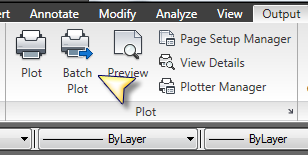
Selecting Batch Plot activates the publish dialog, and feeds it all the current drawings that are open. You get same publishing interface as the ‘Select Tabs, right click and publish’ that we were used to, but here you are not limited to selected layouts.
Publish
The publishing is similar to the previous version, however there are a few differences.
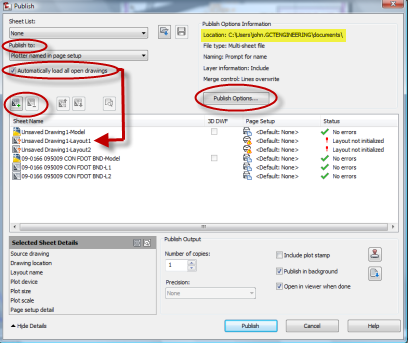
Publish To
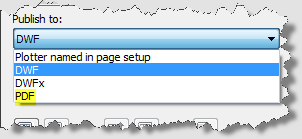
Publishing now includes the PDF option
Automatically load all open drawings
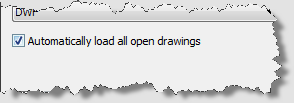
This is a cool feature. When checked the application beings in every available layout from every available open drawing. Model tabs too.
Note the ‘Unsaved Drawing’ Layouts below.

The buttons at the upper left can be used to add and remove sheet layouts from other sources.
Publish Options Information
The options are substantially the same, but they have displayed then in a useful and easy to read manner.

Also, remember that the Layer Include information is defaulted to true.
You may also want to turn off the publish in background. I still had some problems with it on.